I get frustrated when my PC case lacks the pins to power new lighting. I often find myself hunting for a simple fix that makes my fans shine and my build feel complete.
Luckily, modern controllers let me add vivid ARGB effects even if my motherboard does not offer a native rgb header. With the right rgb controller, I can sync fans, set colors, and keep cable clutter low.
Finding a reliable controller changed my builds. It taught me how rgb controllers work, how to verify compatibility, and how to manage multiple fans from one hub. I now enjoy pro-looking lighting on a budget and without major swaps to my hardware.
Key Takeaways
- Specialized controllers let you add ARGB lighting when the header motherboard lacks pins.
- Verify compatibility so rgb controllers work smoothly with your fans and case.
- A single rgb controller can manage multiple fans and simplify wiring.
- 5V splitters and hubs offer flexible lighting without swapping core components.
- Choose quality controllers to ensure stable lighting and easy setup.
Understanding My Motherboard Limitations
Before buying parts, I always map the board layout to know which lighting plugs I can use. This step saves time and prevents buying incompatible gear.
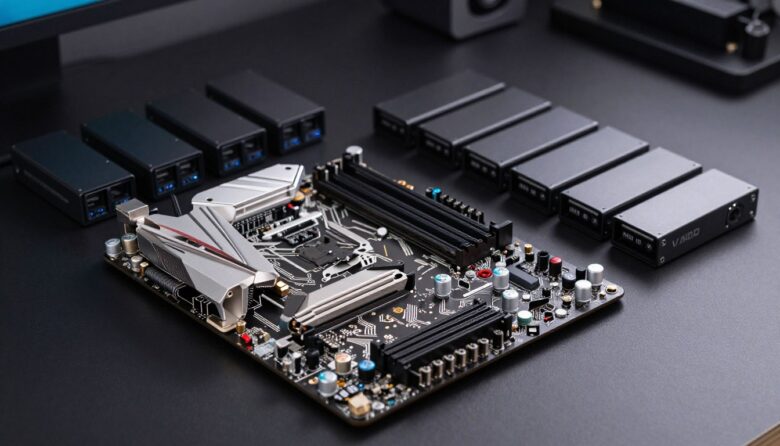
I discovered that the MSI MAG B550 Tomahawk includes two 4-pin rgb headers and two 3-pin ARGB connectors. Seeing that in the manual made it clear how many fans I could feed directly from the board.
Many entry-level boards lack the right header, so I must rely on external controllers to power and control my lights. Checking the physical layout helps me confirm if the pins and connectors match my intended setup.
“Identifying the correct header is the first step toward a clean, working lighting install.”
If my board has no matching header motherboard pins, I accept that I cannot control lighting with built-in software. That reality nudges me to pick a controller that offers the support I need.
- Read the manual and identify header labels.
- Match fan plugs to connector types.
- Plan for external power or a hub if pins are missing.
Distinguishing Between RGB and ARGB Standards
To avoid costly mistakes, I always confirm which voltage my lighting uses before I plug anything in.
The 12V RGB Standard
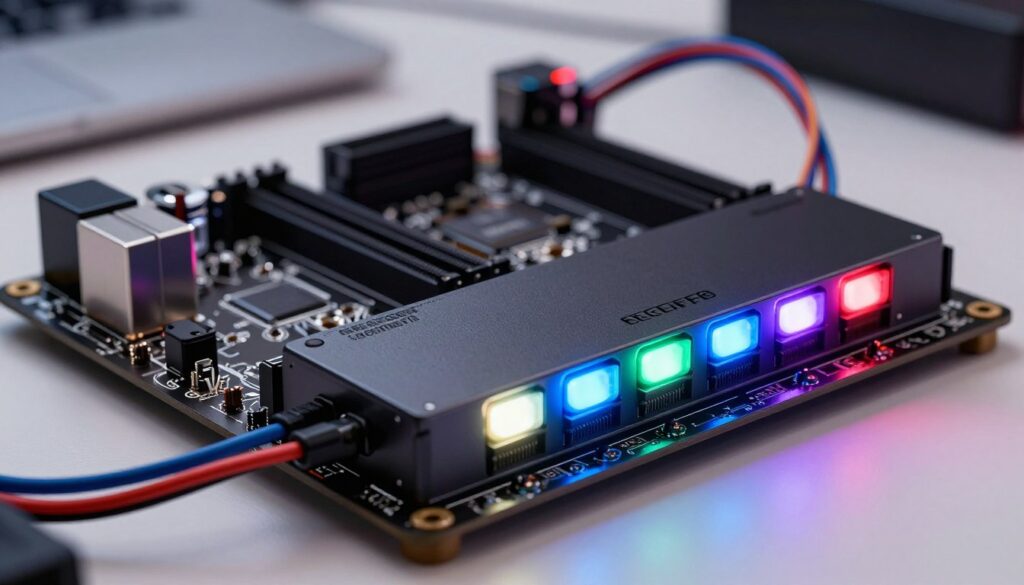
The 12V system uses four pins to drive red, green, and blue channels at once. This design lights all connected devices the same way.
That means color choices and effects are uniform across the string of lights. Standard rgb led setups are simpler but less flexible.
The 5V ARGB Advantage
The 5V addressable rgb uses three pins (pins 1, 2, and 4) to send data and power to each LED. Each diode can show different colors at the same time.
With addressable control, I can make breathing, color cycling, and other complex effects that a controlled motherboard cannot create on a 12V line.
| Standard | Pins | Control | Effects |
|---|---|---|---|
| 12V RGB | 4 pins | Grouped color control | Basic color changes |
| 5V ARGB | 3 pins (1,2,4) | Per-LED addressable control | Advanced patterns and animations |
“Plugging a 5V device into a 12V connector can permanently damage lighting components.”
I always double-check connectors and pins before I connect lighting. That step keeps my devices safe and gives me access to richer color and effects when I choose addressable solutions.
Best Solutions for a Motherboard Without RGB Headers
When my board lacks native lighting pins, I look for simple controllers to fill the gap. I opt for either a USB-powered controller or a remote-based hub depending on how I want to manage lighting.
USB-Powered Controllers vs Remote-Based Hubs
USB-powered options like the Razer Chroma Addressable RGB controller plug into an internal usb header and often pair with software for complex effects. They give precise addressable rgb control and tie into ecosystem features.
Remote-based hubs use SATA or Molex for power and a wireless remote for quick color changes. These hubs are ideal when I want to skip extra software on my system.
I favor controllers that offer multiple 3-pin ARGB ports so all my fans and led strips can connect. Cooler Master ARGB controllers are a reliable pick if I need stable rgb support across many devices.
| Type | Power | Control | Best for |
|---|---|---|---|
| USB-powered | USB header | Software sync | Advanced effects |
| Remote hub | SATA/Molex | Wireless remote | Simplicity and quick color |
| Hybrid | USB + SATA | Both | Flexibility |
“A dedicated controller lets me match high-end lighting without swapping the whole board.”
Selecting the Right Controller for My Setup
Picking the right controller changed how I plan every lighting upgrade. I chose the Cooler Master ARGB controller because it uses MasterPlus software to create custom effects and sync devices.
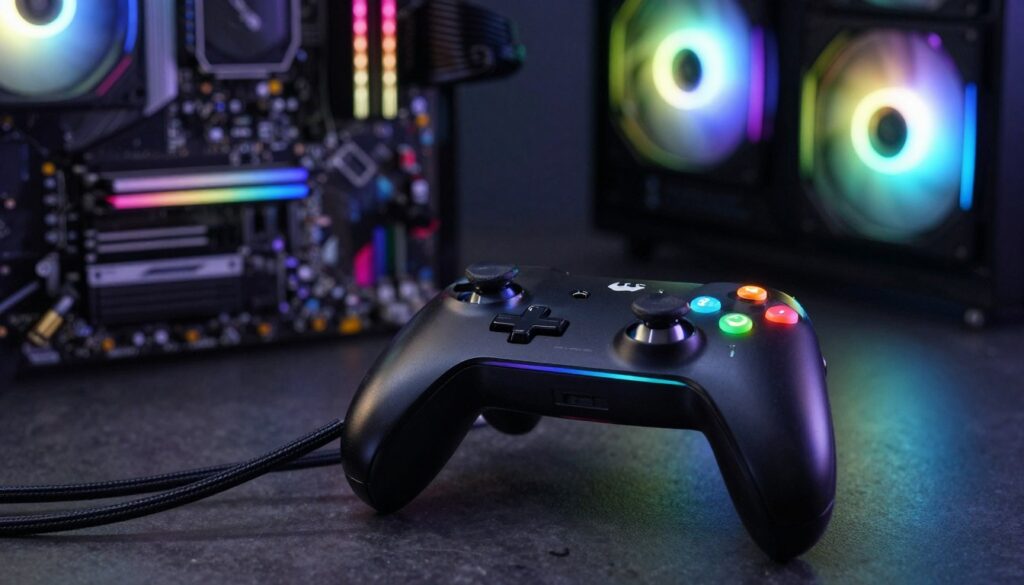
Decide how you want to control color: software gives deep customization, while a remote is quick and simple.
I always check that the controller can handle the total power draw of my fans and strips. This prevents voltage drops and keeps effects stable.
- I prefer controllers that let me sync lighting across multiple devices for a unified look.
- Higher-priced units often support more addressable rgb fans and offer broader compatibility.
- Before buying, I confirm the controller matches the plugs and power type of my devices.
“A quality controller makes lighting easy to manage, even if a controlled motherboard lacks native features.”
In short, pick a controller that fits your control style, can supply enough power, and works with your fans. Investing a bit more up front saves headaches later.
Installing and Configuring My New Lighting System
My first step is to plan the connections so the lighting works the first time. I check reach, note which plugs go to the hub, and set aside cables to keep the install tidy.
Connecting Fans to the Hub
I carefully connect my Deepcool AK620 Digital CPU Cooler to the hub so its LEDs sync with my fans. I make sure each 3-pin ARGB connector seats fully to avoid flicker.
Tip: plug each fan firmly and test power before final cable routing.
Managing Power via SATA or Molex
I prefer a SATA power cable to feed the controller because it delivers stable power and reduces strain on the motherboard. That helps prevent dim or pulsing lights when many fans run.
Syncing Effects with Software
I plug the usb header cable into the board so the software can communicate with the rgb controller. Once connected, I use the app to set color and effects, then tweak until the fans and led strips match.
- Check connectors and pins before power-up.
- Route cables for airflow and a clean case look.
Conclusion
One well-chosen controller changed how my whole system looks and feels.
I learned that a motherboard missing a native rgb header does not limit a great build. With a solid controller, I can manage color, sync fans, and get the same effects as pricier boards.
I always check standards and power—confirming 12V vs 5V ARGB saves parts and time. Choosing between a USB-powered unit or a remote hub comes down to how I want control and convenience.
In the end, careful compatibility checks and the right gear gave me reliable lighting and clean cable routing. My setup proves that smart choices deliver pro-looking results and steady rgb support.
FAQ
What are my options if my motherboard has no RGB headers?
I can use a 5V ARGB controller or hub that runs from a USB or SATA/Molex power cable. USB-powered controllers plug into a spare internal USB 2.0 header or an external USB port, while powered hubs take SATA or Molex to supply enough current for multiple fans and LED strips. I often recommend a dedicated ARGB hub with addressable support so each LED can show independent effects.
How do 5V ARGB and 12V RGB differ?
The 5V ARGB standard uses a 3-pin connector and allows individual LED control for complex animations. The 12V RGB standard uses a 4-pin connector and treats all LEDs the same color at once. I choose ARGB when I want per-LED effects and RGB for simpler, uniform lighting.
Can I control ARGB lighting with software if my board lacks headers?
Yes. Many controllers connect via internal USB headers or a USB-to-header adapter and support software from Cooler Master, Corsair iCUE, or ASUS Aura. If a controller uses an IR or RF remote, software control might not be available, but hubs that connect to USB usually offer full syncing and effect customization.
Will a Cooler Master ARGB controller work with my case fans and LED strips?
Most Cooler Master ARGB controllers support standard 3-pin 5V ARGB devices and are compatible with a wide range of fans and strips. I always check the device count and total current rating to avoid overloading the controller. If you have many lights, use a powered hub with separate SATA or Molex input.
How do I connect multiple fans to a single ARGB hub?
Use splitters or a hub that provides multiple 3-pin ARGB ports. I connect each fan’s ARGB cable into the hub, then power the hub via SATA or Molex. For fan speed, keep PWM or 4-pin fan power connected to the fan headers or a separate fan hub; ARGB only handles lighting, not fan power.
Do I need a specific connector to plug into a USB header?
Yes. Many ARGB controllers require an internal USB 2.0 9-pin header connection. I verify the controller includes a USB adapter cable; if not, I use an adapter that converts an external USB plug to the internal header. This allows software control and syncing with motherboard-based apps when supported.
How do I manage power and avoid overloading the lighting controller?
Check the total amp draw of your fans and LED strips and compare it to the hub’s rated output. I distribute lights across powered hubs and use SATA or Molex inputs for heavier loads. If a controller warns about max channels, I add another hub or use splitters to balance the load safely.
Can I sync an external ARGB controller with motherboard lighting software?
Sometimes. If the controller connects via an internal USB header and the vendor provides a driver or plugin, I can sync effects with motherboard software like ASUS Aura, MSI Mystic Light, or Cooler Master’s software. If the hub uses a standalone remote, syncing with motherboard apps usually isn’t possible.
What should I look for when selecting an ARGB controller or hub?
I look for support of 5V addressable LEDs, enough 3-pin ports for my devices, a power input (SATA or Molex) for higher loads, and software compatibility if I want syncing. Build quality, brand support, and included cables also matter. Cooler Master, Corsair, and NZXT offer reliable options with clear specs.
Are there risks to mixing ARGB and 12V RGB components?
Yes. ARGB (5V) and 12V RGB are electrically incompatible and use different pinouts. I avoid connecting a 12V strip to a 5V controller and vice versa. Adapters that claim compatibility are risky; the safe route is to use matched devices or separate controllers for each standard.
How do I set up effects after installing a hub and fans?
After wiring ARGB cables to the hub and supplying power, I connect the hub to the PC’s internal USB header if I want software control. Then I install the manufacturer’s software, detect the controller, and choose presets or create custom effects. For remote-based hubs, I use the included remote to cycle modes and colors.
What connectors will I see on most ARGB controllers and hubs?
Common connectors include 3-pin 5V ARGB ports for addressable strips and fans, SATA or Molex for power, and an internal USB 2.0 cable for software control. Some hubs also include a power LED header or short adapter cables. I confirm each connector before purchase to match my components.

Adrian Voss is an RGB lighting specialist and tech writer focused on customization, performance, and smart lighting systems. He shares hands-on insights, reviews, and setup guides to help users take full control of their RGB controllers and create immersive, personalized environments.