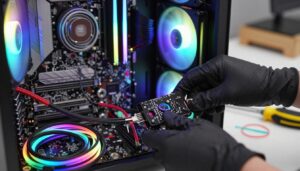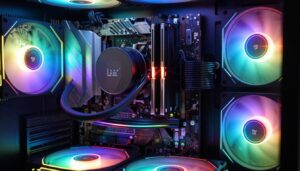
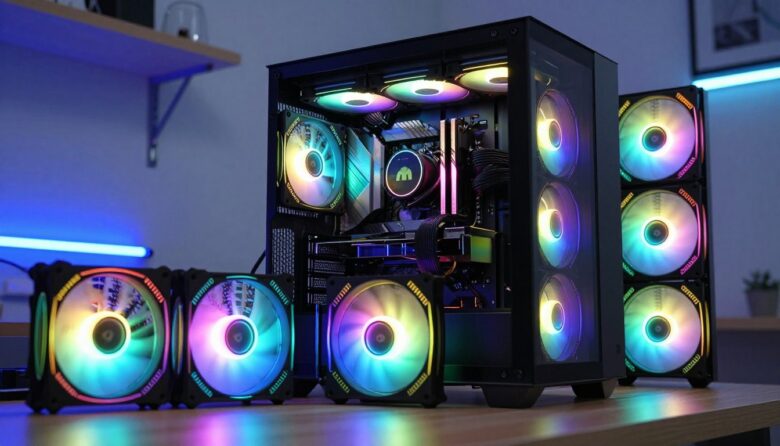
I bought a Phanteks P500A case in 2020 and later hunted for original SK140 replacements. What began as a simple swap turned into a lesson in hardware and lighting control.
I learned quickly that adding new cooling parts is not just about plugging them in. Each component brought its own software quirks and power needs, and the overall system balance shifted every time I changed a piece.
Lighting harmony was my goal, but managing color and speed across multiple controllers proved tricky. I also had to rethink airflow paths to keep temperatures steady.
By the end, I found that sticking to one vendor usually eases setup. Still, with planning you can combine pieces successfully if you map power, headers, and software before you start.
Key Takeaways
- Plan power and header layout before adding any fans to a case.
- Expect extra software work when you use multiple controllers.
- Check airflow impact whenever you change a fan or placement.
- Using one vendor simplifies lighting and control, but mixing can work with prep.
- Keep spare connectors and a basic toolkit handy during the build.
Understanding the Technical Challenges When You Mix Different RGB Fan Brands
My upgrade revealed how uneven speed and sound behavior can be within one system. I found that case fans from DeepCool and the Phanteks SK140 reacted to the same pwm signal in different ways. That made steady airflow and quiet operation harder to maintain.
Inconsistent PWM response
Inconsistent PWM Response
I noticed identical pwm duty cycles produced different speeds on each header. The motherboard or controller tried to regulate RPM, but each case fan mapped signal to speed uniquely. That meant temperature changes often triggered jumps in speeds and noise.
Variations in Noise Profiles
Variations in Noise Profiles
Blade shape and motor design affect how loud a fan is at a given power level. Even when size and rated RPM matched, one unit sounded harsher. I also discovered the side of the housing can hide resonance issues until the fans are mounted.
- My DeepCool units and SK140s read the same pwm input differently, so speeds varied during load.
- Controllers and headers may not keep a uniform airflow when duty cycles map to RPM inconsistently.
- Lighting control and software got fragmented as each controller used its own app and connector type.
| Issue | Cause | Effect |
|---|---|---|
| PWM mismatch | Controller mapping differs by model | Uneven speeds across case fans, unstable airflow |
| Noise variance | Blade geometry & motor design | One fan louder at same power, tonal differences |
| Control fragmentation | Multiple controllers and software | Harder lighting sync and extra connectors |
Managing Hardware Connections and Power Requirements
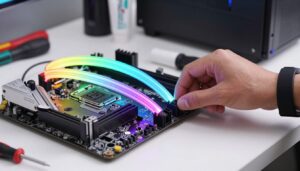
When I started wiring the radiator, it became clear I needed more than the motherboard’s lone ARGB header.
Use splitters and hubs wisely. My MSI cooler required a lighting splitter to join the pump and three radiator case fans on one header. Each case fan has two cables: a 4-pin for the motor and a 3-pin for the lighting system. The side of the cable usually shows which is which, so check before you plug anything in.
Utilizing ARGB Splitters and Hubs
I used a Cooler Master style ARGB splitter to tie three radiator fans to a single motherboard header. When headers are limited, a powered hub keeps signal and power stable across all fans.
- Confirm the splitter or hub can handle the combined power draw of all connected units.
- Non-standard connectors, like some NZXT lighting plugs, may need adapters or a dedicated controller.
- Good cable management reduces clutter and improves airflow inside the case.
| Item | Why it matters | Practical tip |
|---|---|---|
| ARGB splitter | Combines lighting to one header | Check wattage and pin layout before buying |
| Powered hub | Stabilizes power and signal | Use for many case fans or long runs |
| Connector types | May be proprietary | Keep adapters and spare connectors handy |
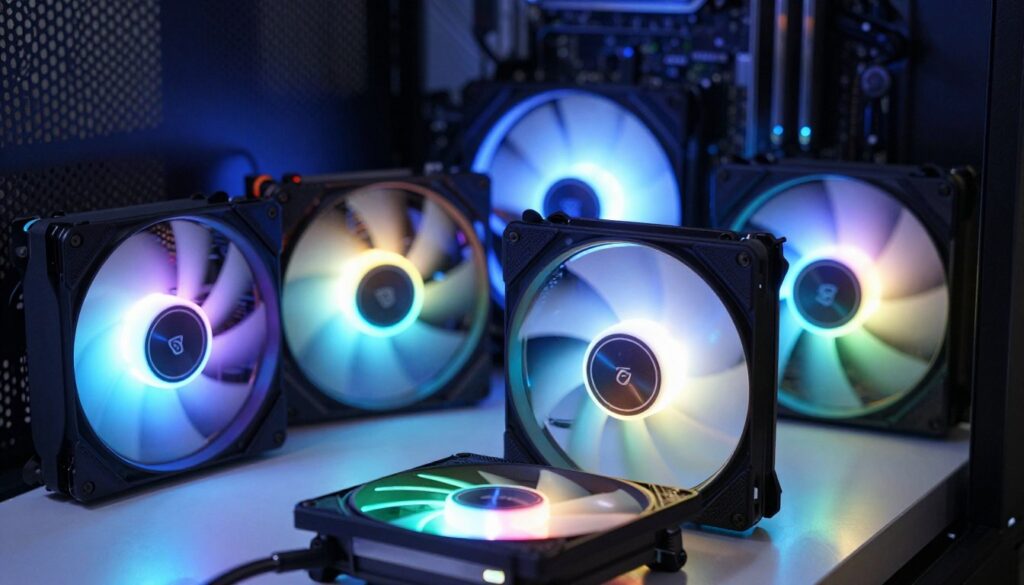
Dealing with Software Fragmentation and Lighting Control
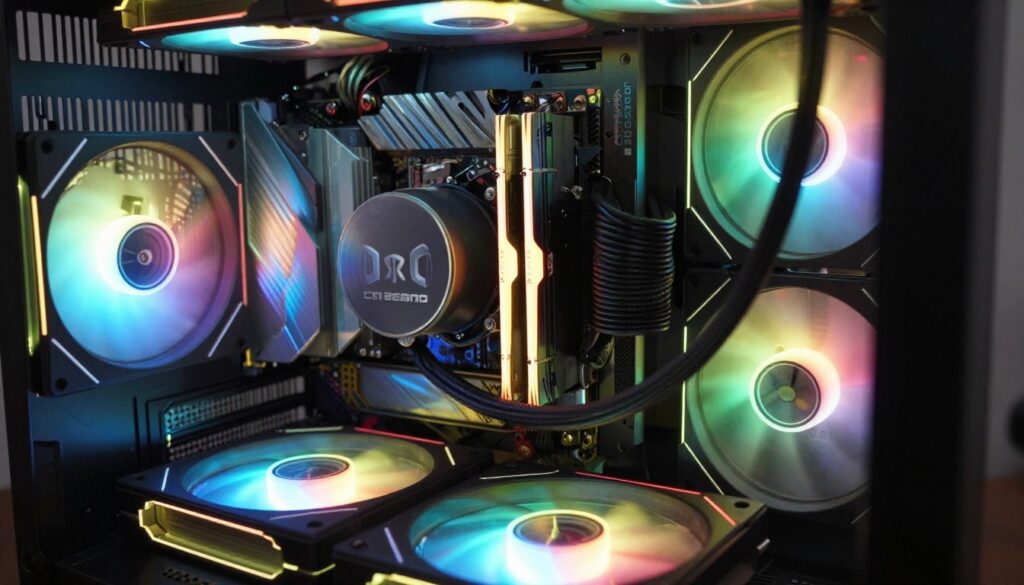
Once I installed the Corsair 360mm AIO, I learned that software choices matter as much as connectors and headers.
The AIO forced iCUE while my case lights ran under the motherboard app. That split meant effects and speeds did not stay in sync. The 3-pin ARGB header solved physical wiring, but not software-level sync.
Multiple apps like iCUE and CAM create background processes that compete for control. I spent more time troubleshooting than enjoying the lighting. An upvote0 downvote check showed my configuration cost me patience more than payoff.
Here are practical steps I used to reduce chaos:
- Keep one controller for critical components when possible.
- Use a powered hub so headers and signals stay stable.
- Disable overlapping software features to cut CPU load.
Conclusion: Is Mixing Fan Brands Worth the Effort?
Conclusion: Is Mixing Fan Brands Worth the Effort?
By the time I finished wiring and tuning, the small savings felt not worth the ongoing adjustments. In my P500A build I learned that uneven parts often cost time and peace of mind. If you want a quiet, reliable system, consistency helps more than bargains.
I ran into unequal speed response and fragmented software control when a single fan behaved unlike the rest. A powered hub eased wiring, but it did not fix motor response or noise quirks.
For most builders, sticking to one maker for all fans in a case saves hours of tuning and troubleshooting. Save yourself the hassle and spend your time on other upgrades that truly improve performance.
FAQ
How can I combine fans from Corsair, Noctua, and NZXT in one build without lighting conflicts?
I recommend using a single lighting controller or an addressable RGB (ARGB) hub that all compatible devices can connect to. Match connectors—3-pin 5V ARGB or 4-pin 12V RGB—and avoid connecting 5V devices to 12V headers. Use a powered hub for many LEDs to prevent overloading the motherboard header. For brands like Corsair that use proprietary controllers, consider their iCUE Commander or a compatible controller that supports standard ARGB protocols. Verify the connector type and power requirements before plugging anything in.
What should I do if fan speeds behave differently after combining models?
I set fan curves in my motherboard BIOS or software (like ASUS Fan Xpert, MSI Dragon Center, or Gigabyte Smart Fan) to unify performance. Use PWM 4-pin headers for precise control when available. If some fans are voltage-controlled, place them on separate headers or use a PWM splitter with a single tachometer line to avoid erratic RPM reporting. Testing different curves helps balance airflow and noise.
Can I control lighting from multiple brands with one app?
Generally no—most manufacturers prefer their own software. My approach is to centralize lighting with a universal controller that supports standard ARGB protocols, or use motherboard RGB headers and control via the board’s software when fans follow the same pin standard. If you must use multiple apps, keep one for lighting and another for cooling to avoid conflicts.
How do I prevent overloading an RGB header on the motherboard?
I always check the header’s amp limit (usually 3A for 12V RGB and 2A for 5V ARGB) and the total LED draw of my devices. Use a powered hub or controller if the combined draw exceeds the header rating. Many hubs provide external SATA or Molex power to offload the load from the motherboard.
What connectors and headers should I match when planning my build?
Match 4-pin PWM headers for speed control and 3-pin 5V ARGB or 4-pin 12V RGB for lighting. If a device uses a proprietary connector, include its controller in your component list. I also check for spare SATA or Molex power connectors for hubs and fan controllers.
Is it OK to mix airflow-focused fans with quieter, high-static-pressure fans?
Yes, but I test placements. Use static-pressure fans on radiators and denser filters, and airflow-optimized fans for case intake/exhaust. Tuning speed profiles helps maintain balanced airflow and minimizes turbulence and noise around the chassis.
What are common PWM response issues and how do I fix them?
Inconsistent PWM response often comes from mismatched control schemes or tachometer signal differences. I resolve this by using the same control source (motherboard or a PWM hub), updating BIOS or firmware, and ensuring PWM-capable fans are on PWM headers. If RPM readings jump, try a single-fan test to isolate the culprit.
How do I handle software fragmentation between Corsair iCUE, ASUS Aura Sync, and other apps?
I pick one primary control method and limit others. If the motherboard supports Aura Sync, I prefer routing ARGB to the board and using its software for unified effects. For devices that require proprietary apps, I keep them updated and disable redundant services where possible to reduce conflicts.
Can I use a hub to power and control both lighting and speed simultaneously?
Some hubs handle both, but many separate lighting and power for fans and LEDs. I choose hubs that explicitly list PWM and ARGB support and include separate power inputs. Look for units from reputable makers like Corsair or Cooler Master for better compatibility and documentation.
What troubleshooting steps should I take if LEDs flicker or stop working?
I first check connectors and power supply to the hub. Re-seat cables and verify pin alignment. Test the LED strip or fan on a known-good header. Update controller firmware and software. If flickering persists, swap components to find the faulty cable or device and avoid using adapters that change voltage or pinouts.
Which accessories help when combining many lighting devices in one system?
I use ARGB splitters, powered hubs, PWM fan hubs, and cable extensions for clean routing. Molex/SATA power adapters and dedicated controllers help manage power and reduce strain on motherboard headers. Magnetic or adhesive mounts keep controllers accessible inside the case.
How important is matching fan sizes and placement for airflow?
Very important. I balance intake and exhaust using similar sizes and CFM ratings for predictable airflow. Mixing 120mm and 140mm fans is fine if placement and venting are planned—use proper mounting and fan curves to avoid pressure imbalance and hotspots.
What software combos work best with common motherboards and lighting controllers?
I pair motherboard utilities like ASUS Aura Sync, MSI Mystic Light, or Gigabyte RGB Fusion with controllers that support standard ARGB. For Corsair hardware, iCUE is best. When possible, route ARGB to the motherboard to take advantage of a single interface. Keep firmware current to reduce compatibility issues.
Are there risks to warranty or hardware when using third-party controllers?
There can be. I read manufacturer policies—some void warranty if proprietary protocols are bypassed. Using well-documented, reputable third-party controllers typically minimizes risk, but always verify compatibility and power specs before installation.
What final checks do I do before powering a mixed system for the first time?
I double-check connections, confirm header voltages and pinouts, ensure powered hubs have external power, and verify firmware/software updates. I power the system on with minimal components first, check LEDs and fan spins, then add remaining devices once everything is stable.

Adrian Voss is an RGB lighting specialist and tech writer focused on customization, performance, and smart lighting systems. He shares hands-on insights, reviews, and setup guides to help users take full control of their RGB controllers and create immersive, personalized environments.